An address without a domain
Every app instantly gets an address like app.1-2-3-4.sslip.io. No DNS setup; connect your own domain later.
Push to Git or upload a zip; Xudbin builds it, puts it live and sets up HTTPS and the security layers. If a deploy fails, it tells you why. Free, MIT licensed.
Free · MIT
Install with one command, put your first app live in a few clicks.
curl -fsSL https://raw.githubusercontent.com/Furkan1116/XudbinPanel/main/install.sh | sudo bash
Every app instantly gets an address like app.1-2-3-4.sslip.io. No DNS setup; connect your own domain later.
Caddy obtains and renews Let's Encrypt certificates for both automatic addresses and your own domains.
WAF (OWASP rules), rate limiting, automatic IP bans, security headers and a live attack screen. No plugins needed.
Security: what is and isn't there →Compare with other panels →
Real screens from the live demo, taken with sample data. Click to enlarge.
From deploys to backups, monitoring to team access: everything a small team needs.
Git, zip, Docker image or Compose. 15 frameworks and 8 generic presets (Node, Python, PHP, static site, Dockerfile…) detected automatically; missing env vars filled in; traffic switches only when the new version is healthy.
Explains known errors from failed deploy logs in plain language and fixes the common ones in one click.
PostgreSQL, MySQL, MariaDB, MongoDB, Redis. Scheduled backups go to S3 too and are regularly test-restored.
Sites are checked every minute; you're alerted by email, Telegram, Discord or Slack when they go down and recover.
Visitors, pages, referrers, countries and devices, with no code added to your site and the data on your server.
Every image is scanned after deploy; instead of a CVE dump you get "what to do" steps.
Xudbin Market
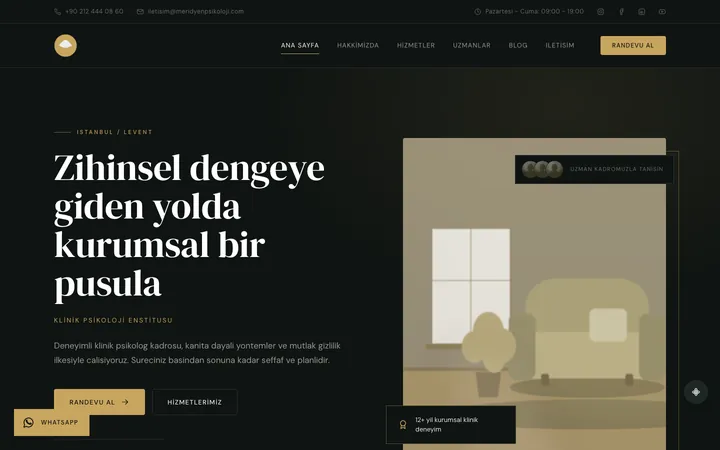
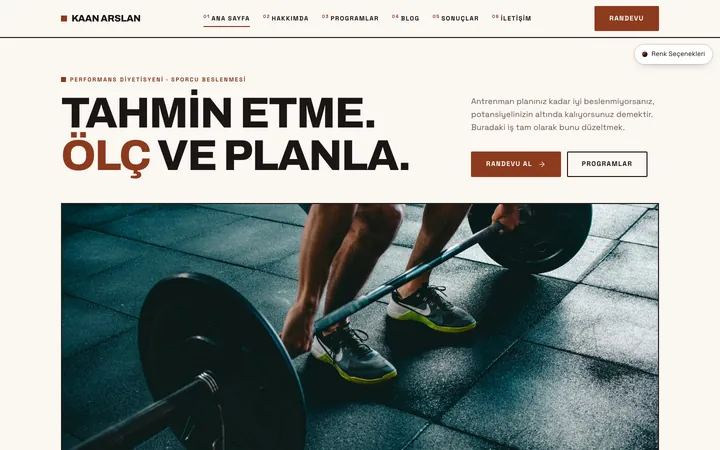
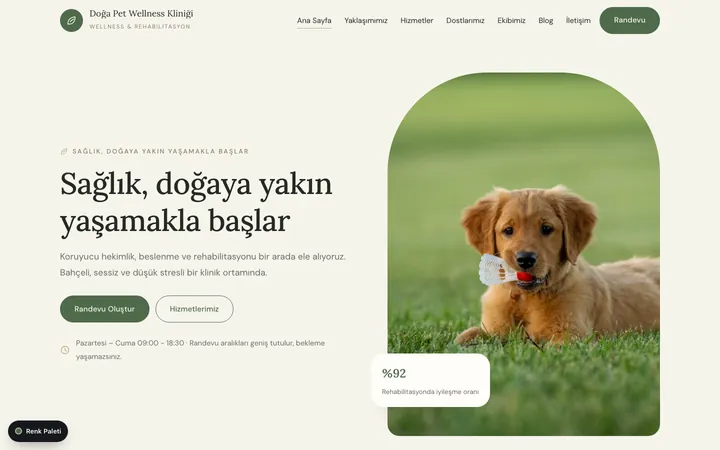
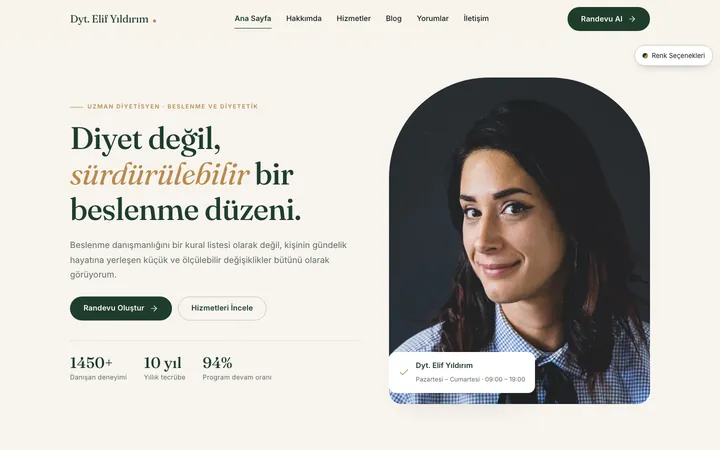
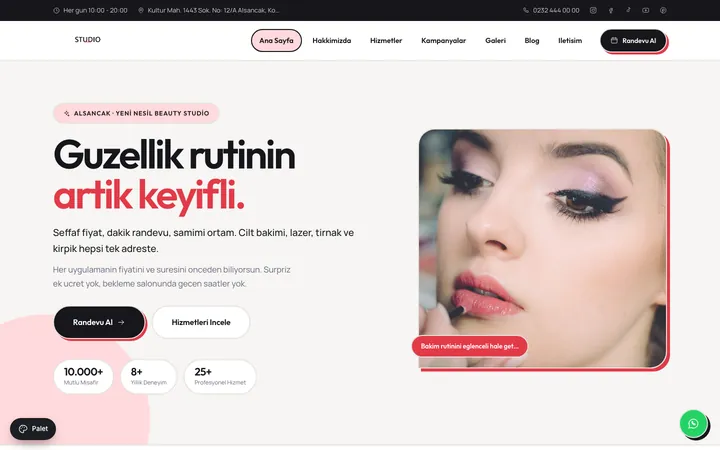
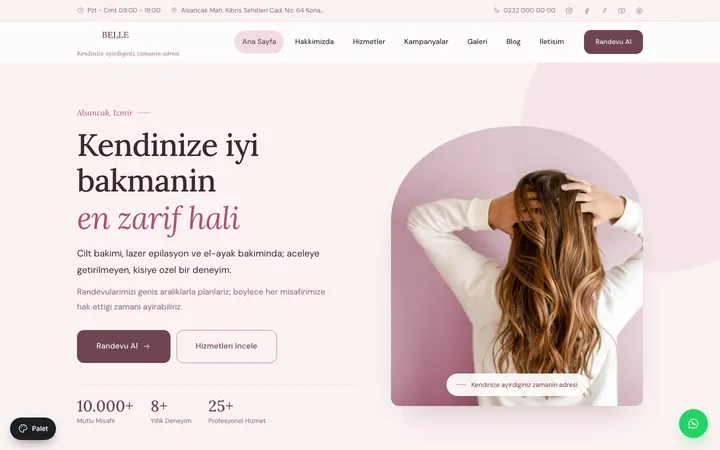
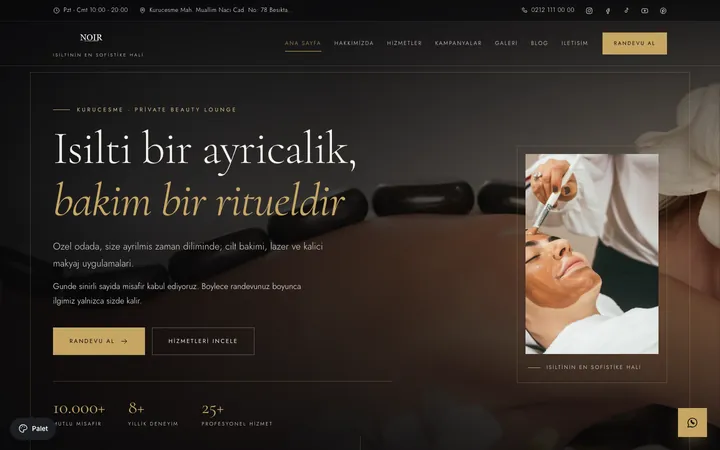
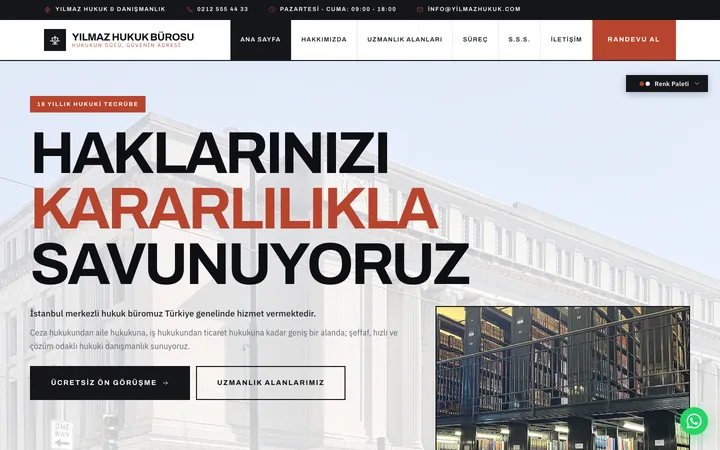
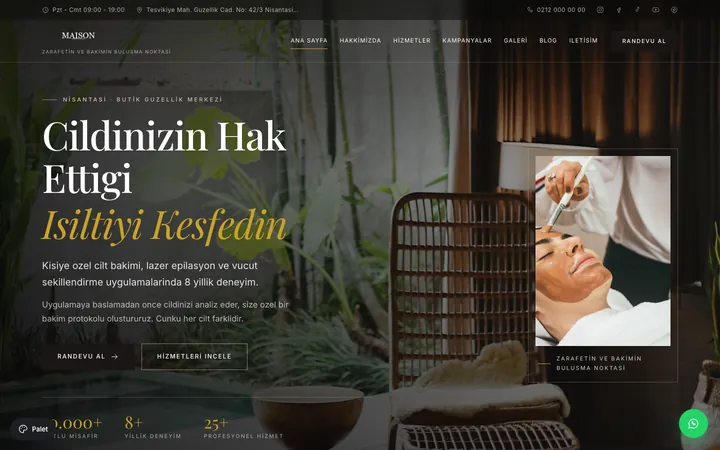
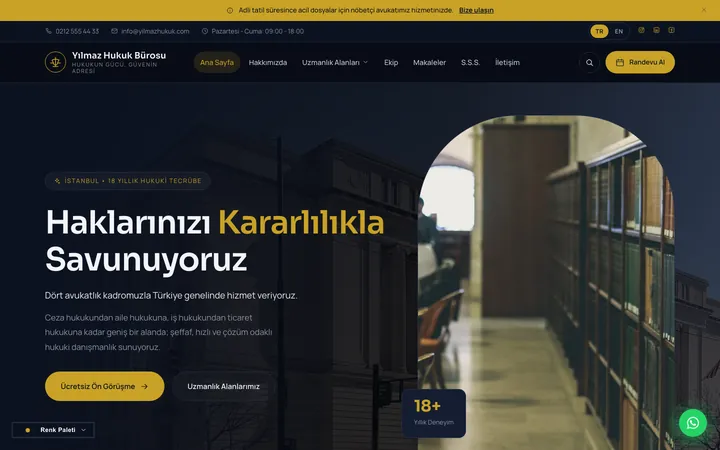
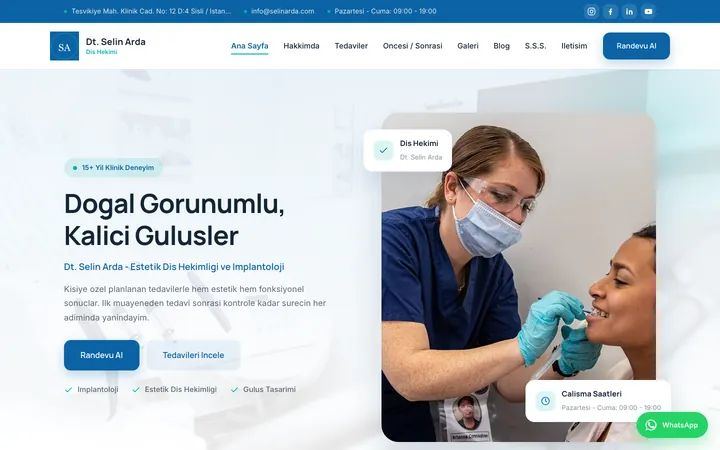
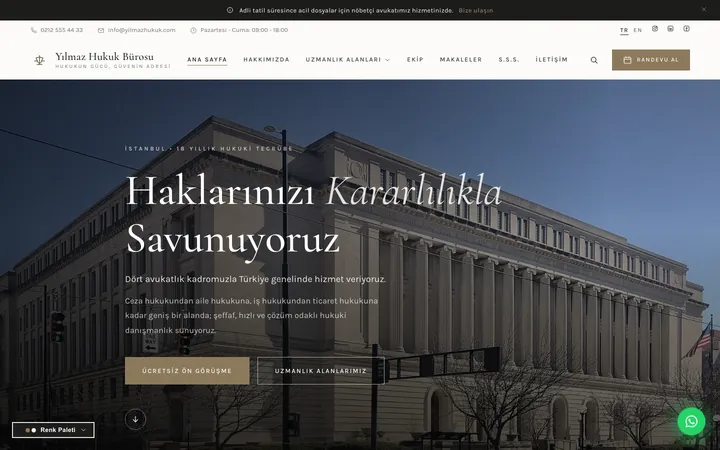
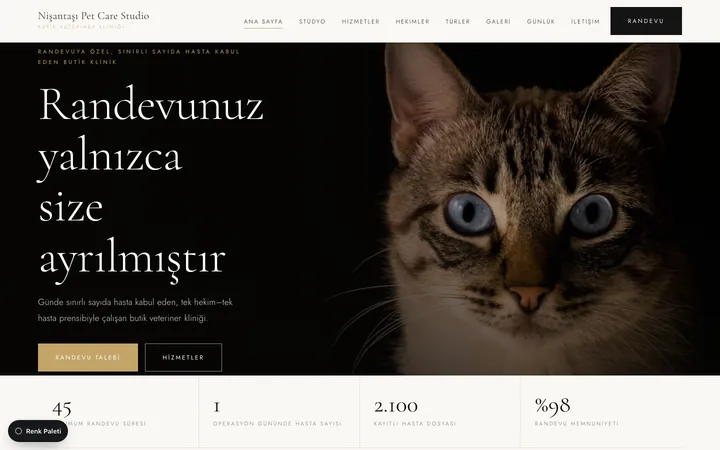
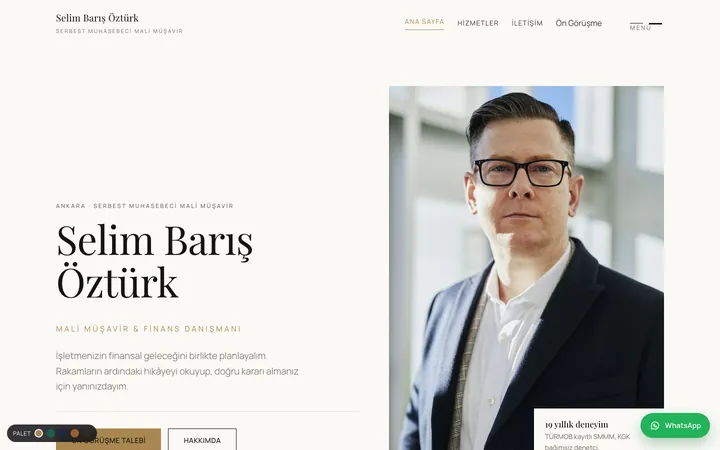
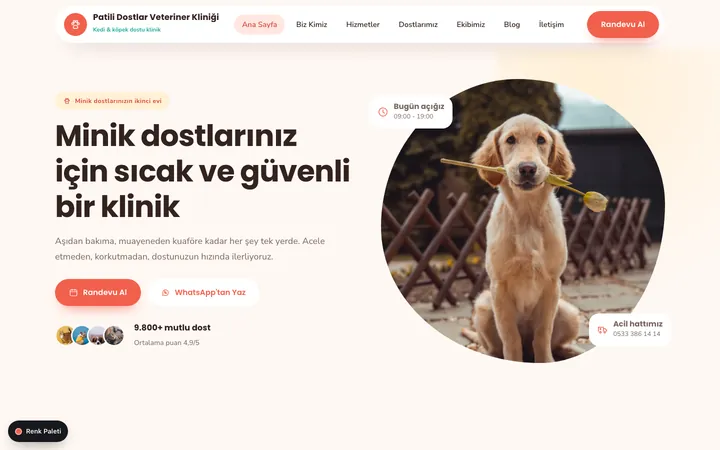
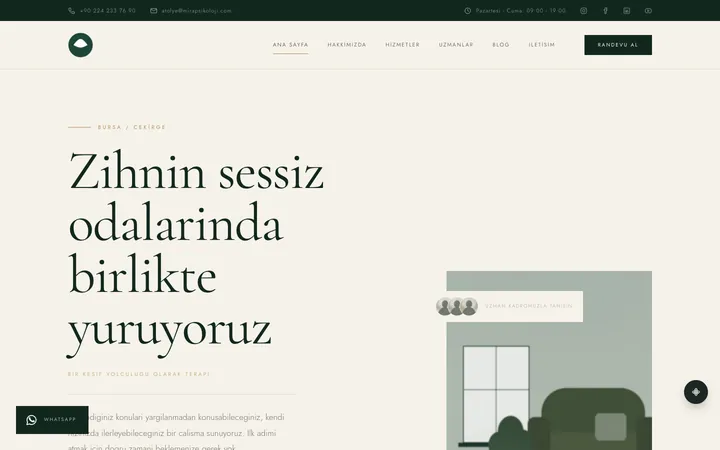
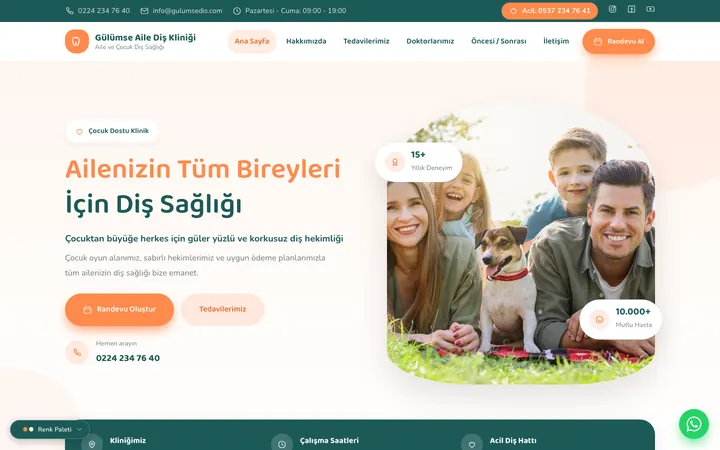
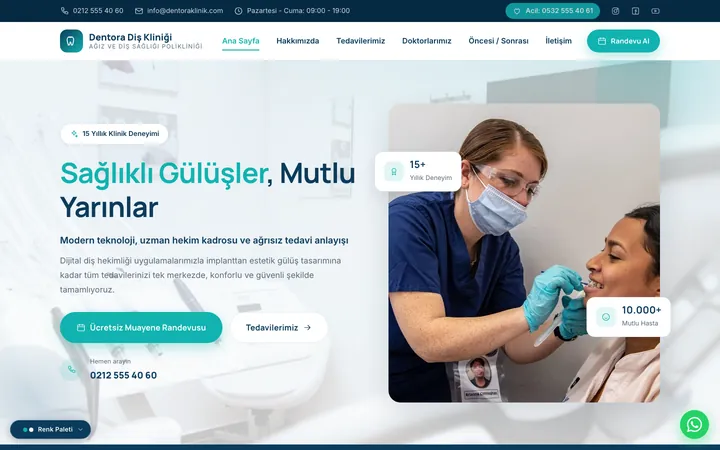
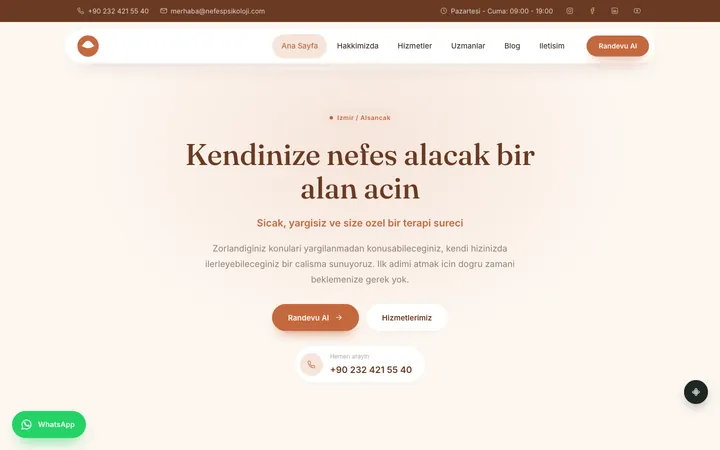
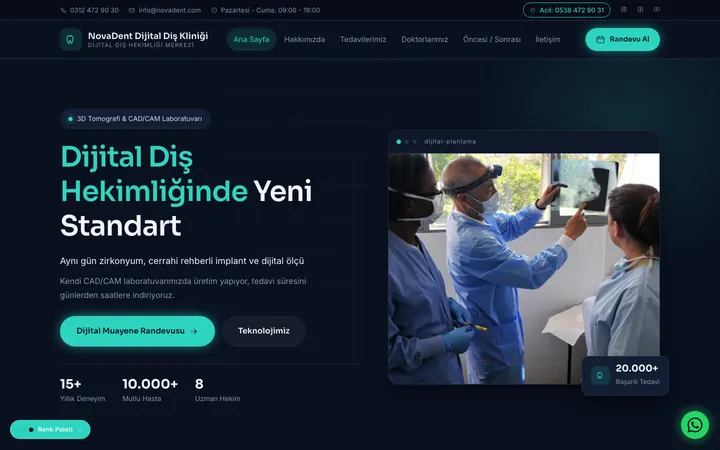
55 hand-coded sites across 7 professions. Try one live with your own content, buy it if you like it; the code is yours.
The market is Turkish-only for now.

No. The panel is MIT-licensed, open source and free. There is no paid cloud version; Xudbin runs on your own server.
An Ubuntu, Debian or AlmaLinux/Rocky server with one command; the install script takes care of Docker and the rest.
Yes. Every app instantly gets an address and HTTPS; you connect your own domain later.
On your own server. The panel sends us no usage data. To work, it only contacts: GitHub for update checks, ipify to find the server's public IP, DB-IP monthly for the country database, and Let's Encrypt for HTTPS certificates.
There are built-in layers (WAF, rate limiting, two-factor authentication, encrypted secrets). We also wrote down our known limits plainly: see the Security page.
From Git, a zip, a Docker image or Compose; 15 frameworks (Django, Next.js, Laravel, Rails…) and 8 generic presets (Node, Python, PHP, static site, Dockerfile…) are ready. You also set up databases from the panel.
They are good options too. We wrote the differences, and when each one fits, as facts on the Compare page.
Open an issue on GitHub. If it is a security vulnerability, report it with the method in the security policy, not publicly.
If a ready-made site isn't enough, we'll build yours. Request a quote →